
Can adding a meta tag boost your Google ranking or get your page cited in AI answers? Meta tags give search engines information and controls for a page, but they don't guarantee rankings, clicks, indexing, or AI citations.
For example, a meta description can help shape a search snippet, while Google requires pages to be indexed and eligible to appear with a snippet to qualify as supporting links in AI Overviews and AI Mode. The practical guide starts with what meta tags do and which ones can support your search visibility.
Key Takeaways
A meta tag gives search engines information or instructions about a webpage, but it can't guarantee higher rankings, clicks, or indexing.
Google may use your meta description for a search snippet, though it often selects text from the page based on the query.
A clear page title helps Google understand the page, but Google can choose different text for its title link.
Robots directives such as
noindexandnosnippetcontrol how Google can show or use page content, including in AI search features.Google ignores the
meta keywordstag for ranking, and AI Overviews require no special meta tag or markup.
What Is a Meta Tag, and How Does It Work?
A meta tag is information in a webpage's HTML head that describes the page or gives instructions to crawlers. Visitors usually don't see these tags in the page itself, but they can affect how search engines process or display it. A meta tag is a signal or control, not a shortcut to higher rankings, more clicks, or indexing.
Where Meta Tags Live in a Web Page
The HTML <head> contains information about a page, including its meta tags. The visible content, such as headings and paragraphs, usually sits in the <body> instead. Browsers and search crawlers can read the head, even though visitors don't normally see it on the page.

A description tag might appear in the head like this: <head><meta name="description" content="Practical advice for growing a small business online."></head>. The name attribute identifies the type of information, while content holds the description.
Google may use that description in a search snippet, but it often creates a snippet from the page itself. It can choose the on-page text when that better matches a search, so your meta description doesn't guarantee the wording shown in results. The same principle applies to SEO more broadly: a tag can provide useful information or set a limit, but it doesn't guarantee rankings or visibility.
Meta Tags, Title Elements, and Link Tags Are Not the Same
The <title> element and canonical link are often grouped with meta tags in SEO discussions, but neither is technically a meta tag. A page title uses a <title> element, while a canonical URL uses a <link> element with rel="canonical".
These elements still matter because they help search engines interpret a page. The title gives browsers and search systems a page name, although Google may select different wording for its title link. A canonical link indicates which URL you prefer search engines to treat as the primary version when similar or duplicate pages exist.
So, when checking a page's HTML head, look beyond tags that begin with <meta>. Title and link elements provide distinct information, and each can support how search engines handle and present your page.
Which Meta Tags Matter Most for SEO?
Meta tags and nearby HTML elements have different jobs. Some can influence a search snippet or control whether a page appears in results; others give Google information it may use when presenting the page. None guarantees higher rankings.
Meta Descriptions Can Shape Search Snippets
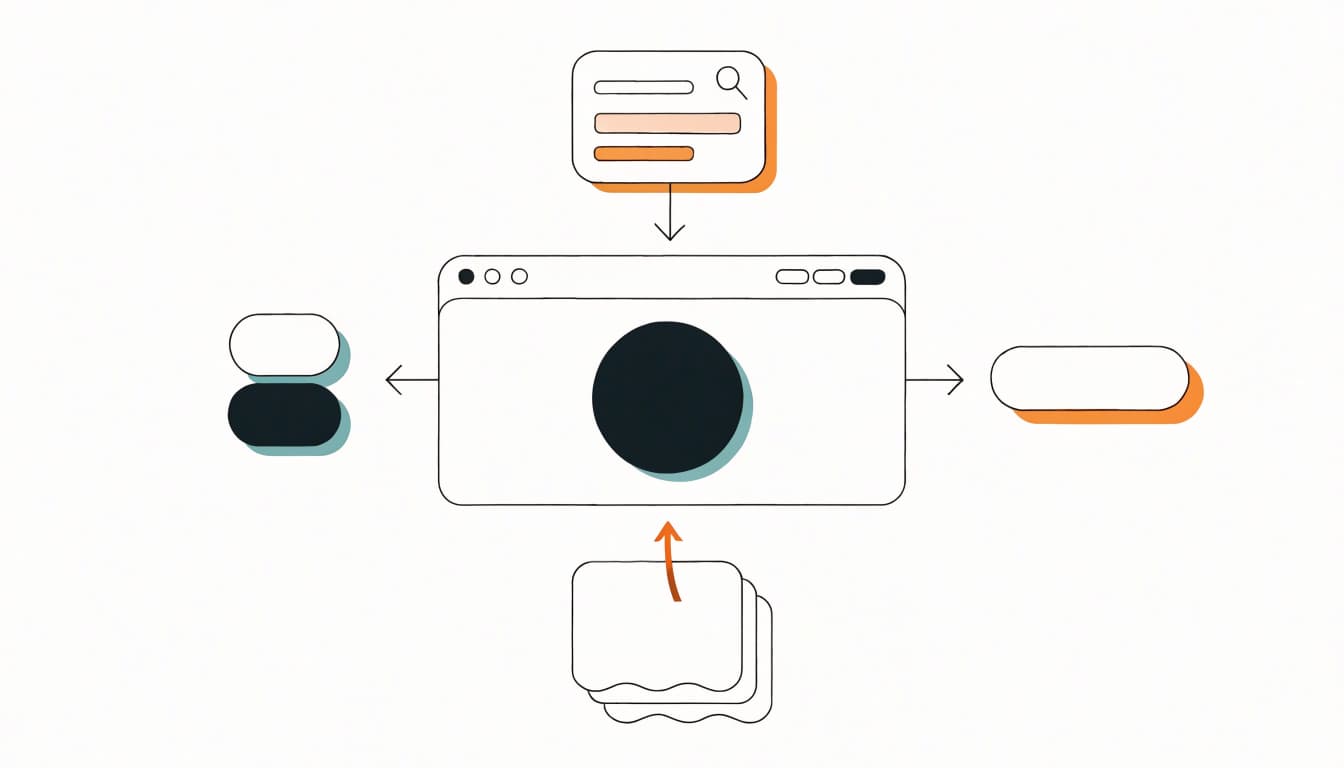
A clear, page-specific meta description gives Google a concise summary it may use in a search snippet. However, Google often selects text from the page itself when that better matches the search query, so the description won't always appear as written.
For a page about choosing a home espresso machine, a useful description might be: "Compare home espresso machines by price, features, and ease of use to find the right fit for your kitchen." It tells readers what the page covers without promising more than it delivers. Relevance and accurate expectations matter more than inserting extra keywords.
Robots Meta Tags Control Crawling and Search Visibility
A robots meta tag sets page-level directions for search engines. For example, noindex tells Google not to include a page in search results. The nosnippet directive limits Google's ability to show a text snippet, while max-snippet sets a maximum length for one.
Google generally assumes pages can be indexed and links can be followed, so you don't need to add index, follow by default. Use a directive only when you want a different outcome, and check that it applies to the right page. These controls affect indexing or display, not ranking strength. A noindex tag doesn't boost the pages that remain indexed.
The Keywords Meta Tag Does Not Help on Google
Google Search doesn't use the meta keywords tag to rank pages. Adding a comma-separated keyword list to the HTML head is wasted effort, and it won't improve visibility.
Instead, make the page useful for readers. Include the topic naturally in the title and visible content, then answer the questions that brought visitors to the page.
Title Elements and Canonical Links Support Related SEO Tasks
The <title> element isn't a meta tag, but it gives Google an important input for the search result title link. Write a unique, descriptive title for each page. Google may still rewrite it using headings, visible text, or other signals.
A canonical link, also a separate HTML element, identifies your preferred URL when similar pages exist. Google treats it as a strong signal, but it may select another URL. Keep canonical URLs consistent with your redirects and internal links, rather than treating the tag as a ranking boost.
How Meta Tags Help Your Website Appear on Google and in AI Search
Meta tags play a limited but useful role in search visibility. They can guide how Google handles a page or help shape its search listing, but they cannot guarantee rankings, indexing, or inclusion in AI-generated results. Clear page information works best alongside accessible, useful content.

Better Page Summaries Can Help People Choose Your Result
A clear title and accurate meta description help searchers understand what a page offers before they visit. The title element is not technically a meta tag, but Google may use it and other page text to create a result's title link. A concise description can also inform the snippet, though Google often selects page text that better matches a specific search.
That summary sets expectations. If someone searches for espresso machine comparisons, a result should make clear whether the page compares models, explains features, or offers buying advice. When the listing accurately reflects the content, visitors are more likely to arrive with the right expectations.
However, Google may rewrite both the title link and snippet. A relevant title or description may support qualified clicks, but a higher click-through rate is not a guaranteed ranking boost. Write for an accurate search result, not to promise a ranking outcome.
AI Overviews Use Search Fundamentals, Not Special Meta Tags
Google says AI Overviews and AI Mode follow core Search requirements. A page must be indexed and eligible to appear with a snippet to qualify as a supporting link. Even then, eligibility does not guarantee that Google will show the page in an AI feature.
There is no special AI meta tag or extra schema requirement for inclusion. Instead, focus on content that answers the reader's needs and remains accessible to Google. Meta tags can set limits: for example, nosnippet prevents Google from showing a text snippet and using page content as a direct input for these AI features. Use such controls only when that restriction is what you want.
Meta Tags Cannot Replace Helpful Content or Technical SEO
Search engines need to access and understand the page before its metadata can help. Allow crawling, use internal links to connect important pages, and provide useful text that clearly addresses the topic. A good page experience also helps visitors use the content once they arrive.
Structured data can describe page details, but it should match information people can see on the page. It may support eligible search features, yet it is not a ticket to AI citations. Useful content and sound technical foundations matter more than an AI-specific tag.
How to Write and Check Meta Tags on Your Website
Treat each important page as its own search result. Write metadata that matches the page, publish it in the right place, then check what Google can access. A consistent review catches mistakes before they affect a landing page.
Write Unique Titles and Descriptions for Important Pages
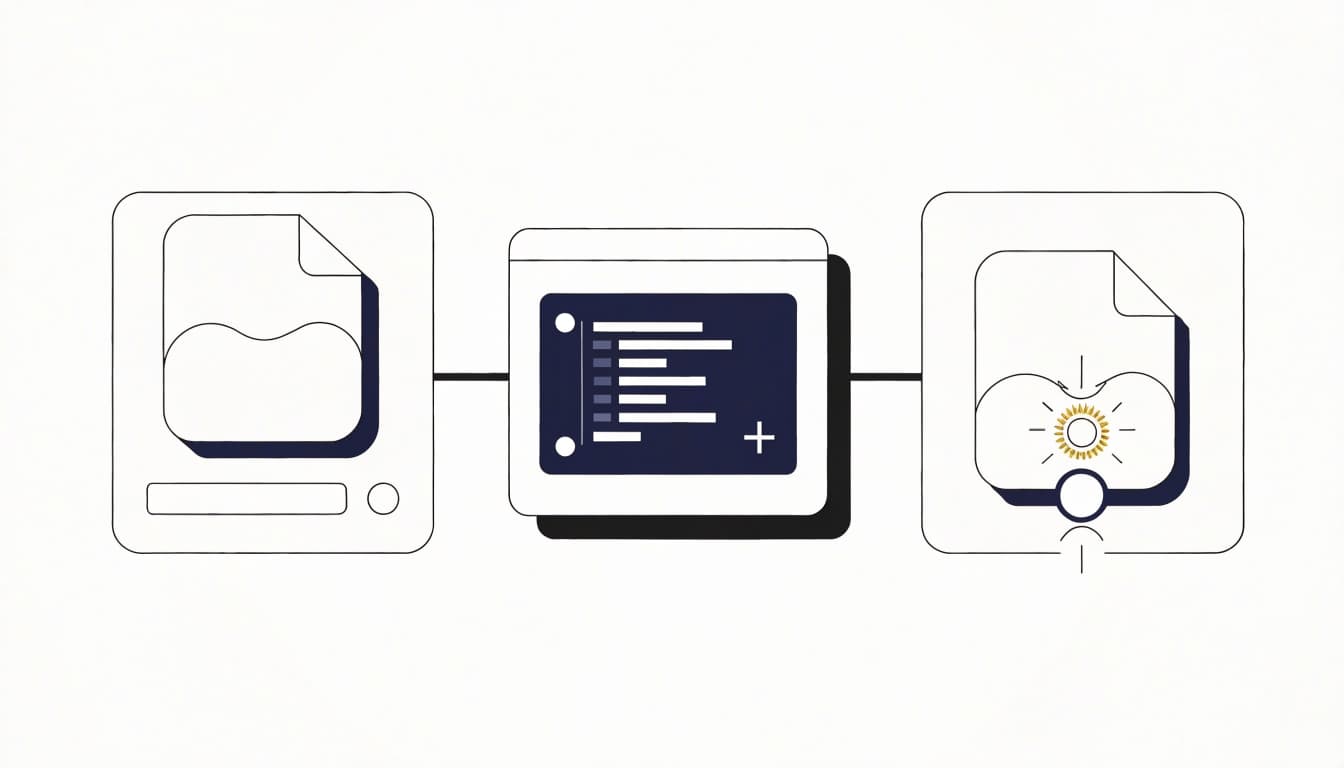
Start with the page's purpose and the visitor's likely need. Write a distinct, accurate title and meta description for every key page. Keep the wording concise, use the main topic naturally, and avoid forcing keywords or reusing one template across the site. There's no character count that guarantees Google will display your text exactly.
For a fictional service page, a local plumbing company might use:
Title: Emergency Plumbing Repair in Mesa | ClearFlow Plumbing
Description: Get help with urgent plumbing repairs in Mesa. ClearFlow Plumbing handles burst pipes, leaks, and other common emergencies.
The title element is separate from a meta tag, but both belong in the page's HTML head. Make sure the title reflects the visible page heading and the description matches the service offered. Google may rewrite either in search results, so prioritize accuracy over a preferred phrasing.
Check the HTML and Search Console After Publishing
After publishing, check your CMS settings or rendered page HTML. Confirm the title and description appear in the <head> and that the page contains the intended content. If your site uses templates, inspect a live page rather than assuming the settings applied correctly.
Then open the URL Inspection tool in Google Search Console. Review the indexed URL, run Test live URL, and inspect the rendered HTML for the page title, description, robots directives, and canonical URL. The indexed report and live test show different versions, so compare them when something looks wrong. After making a change, test again. Requesting indexing can prompt a recrawl, but it doesn't guarantee immediate inclusion.
Search Console can help you find technical issues, but it can't force Google to use your chosen title or description.
Avoid Noindex Mistakes and Conflicting Signals
Before a site update goes live, check that important service and landing pages don't have a noindex directive by mistake. Google must be able to crawl a page to see that instruction. Also look for duplicate descriptions that leave separate pages with indistinguishable summaries.
Review canonical URLs too. A page's canonical, internal links, sitemap, and redirects should point toward the same preferred URL. Conflicting signals can make it harder for Google to identify the version you want indexed. Recheck templates and high-value pages after redesigns, migrations, or CMS changes, when a setting can spread across many URLs.
Frequently Asked Questions
Meta tags can influence how search engines handle or present a page, but their effects depend on the specific tag. These answers clarify what they can do for Google and AI search, and where their limits are.
Do meta tags directly improve Google rankings?
Meta tags can guide search engines or affect how a result appears, but they don't guarantee higher rankings. For example, a robots directive can control whether Google includes a page in results, while a meta description may inform the snippet. Those are useful technical signals, not a promise of ranking gains.
Does Google always use my meta description?
No. Google may show your meta description, or select text from the page that better matches a particular search. Write a concise, accurate description to help searchers understand the page, but don't expect Google to display it exactly as written.
Is there a meta tag that gets a page into AI Overviews?
No special meta tag guarantees inclusion. Google says a page must be indexed and eligible to appear with a snippet to qualify as a supporting link in AI Overviews or AI Mode. Meeting those requirements makes a page eligible, but doesn't ensure it will appear.
Should every page have a meta description?
Write descriptions for important pages when a short summary can help searchers decide whether to visit. A unique description is especially useful when each page serves a distinct purpose. Google can still generate its own snippet from page content, so prioritize accuracy over a specific wording.
What happens if I use a noindex meta tag?
A noindex meta tag asks compliant search engines not to include that page in search results. Use it only when excluding the page is your intent, because it can remove the page from search visibility. It doesn't improve rankings for that page or other pages.
Do I need special tags for ChatGPT or other AI tools?
There's no universal meta tag that guarantees citation by AI tools. Services use different systems and policies; for example, OpenAI says ChatGPT Search can crawl eligible sites through OAI-SearchBot, but placement isn't guaranteed. Focus on accessible, clear, reliable content, and check each service's published crawler guidance when managing access.
Conclusion
A meta tag helps communicate page details or control how Google handles a page, but it can't make useful content or sound technical SEO optional. For AI Overviews and AI Mode, a page still needs to meet Google Search's indexing and snippet eligibility requirements.
Review your most important pages, remove any harmful directives, and write accurate descriptions that match their content. Clear metadata supports a well-built page; it doesn't replace one.